
/features
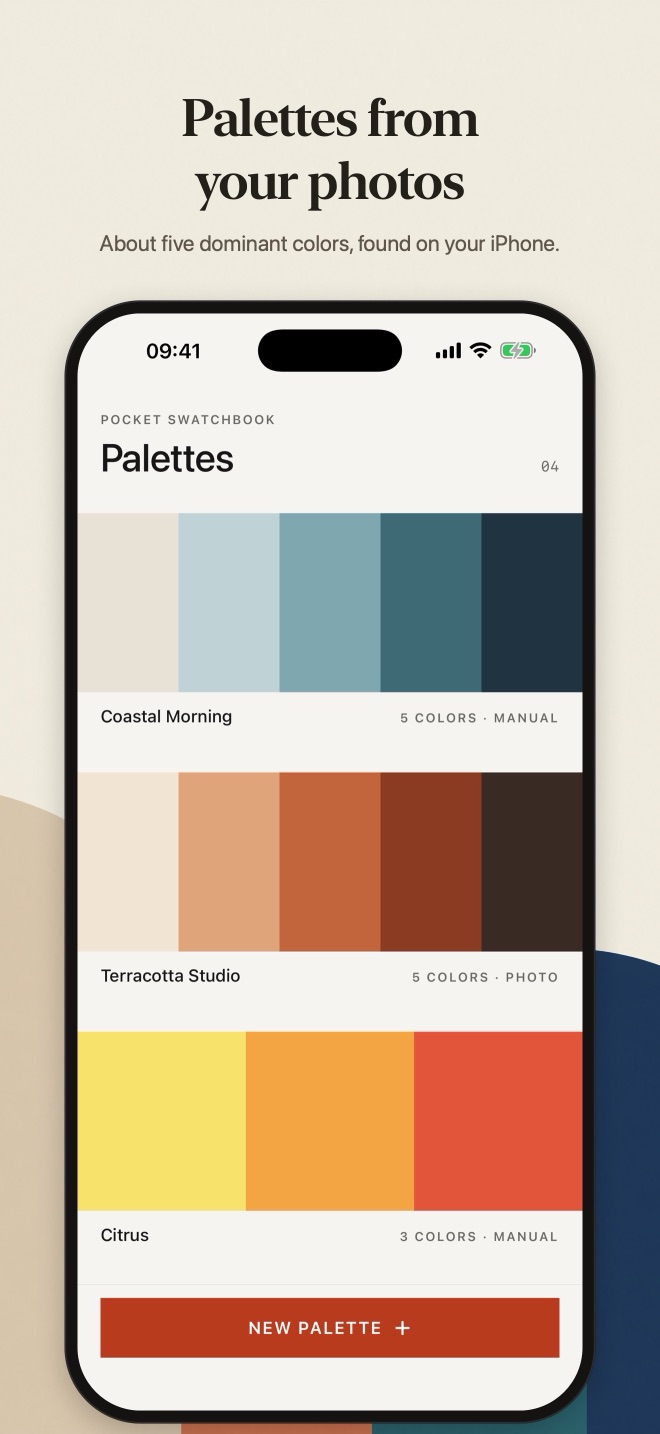
Pocket Swatchbook turns photos into color palettes and keeps the ones you like, ready to copy into your work.
#B93A1C
From a photo
- Choose a photo and Pocket Swatchbook picks out about five dominant colors
- Analysis runs entirely on your iPhone using classic image processing, no AI and no upload
- Only a small thumbnail is kept, never the full photo
#E9A23B
Or build one yourself
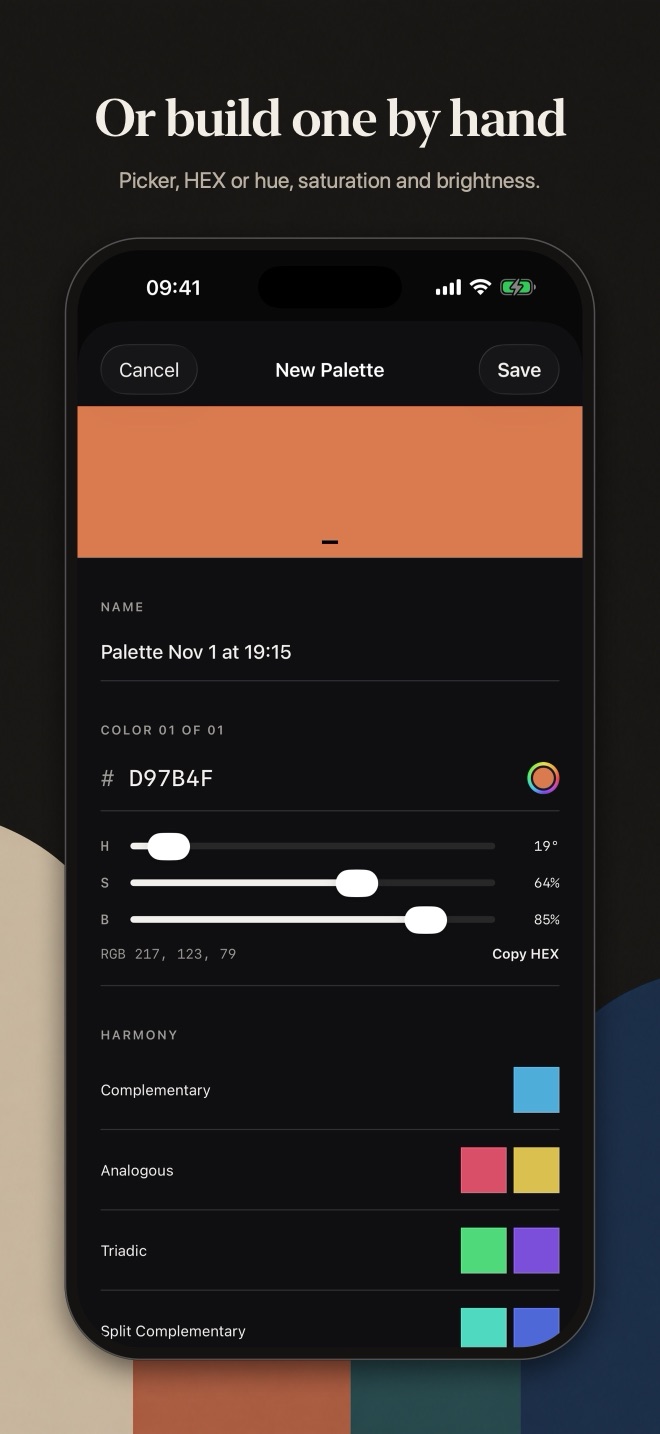
- Create a palette from scratch with up to 12 colors
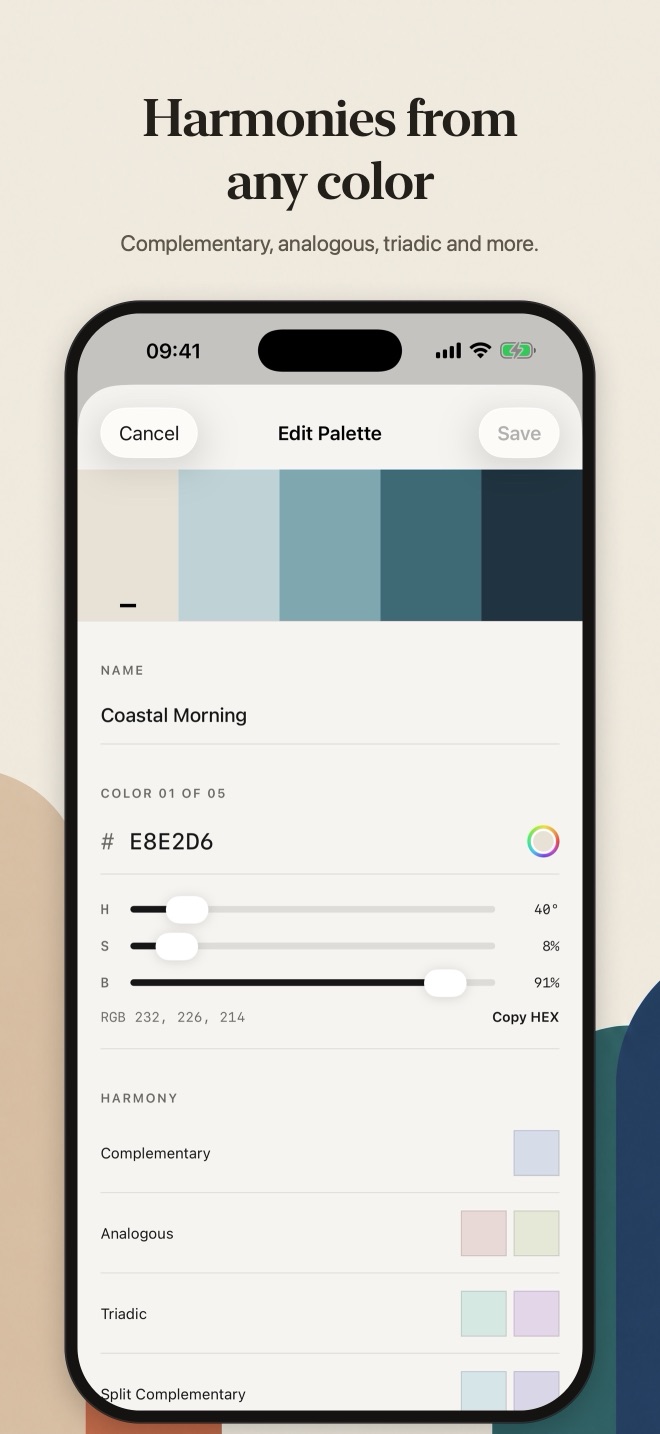
- Use the system color picker, type a HEX code, or adjust hue, saturation and brightness
- Get harmony suggestions from any color: complementary, analogous, triadic, split-complementary, tints and shades
#8BA37A
Use your colours
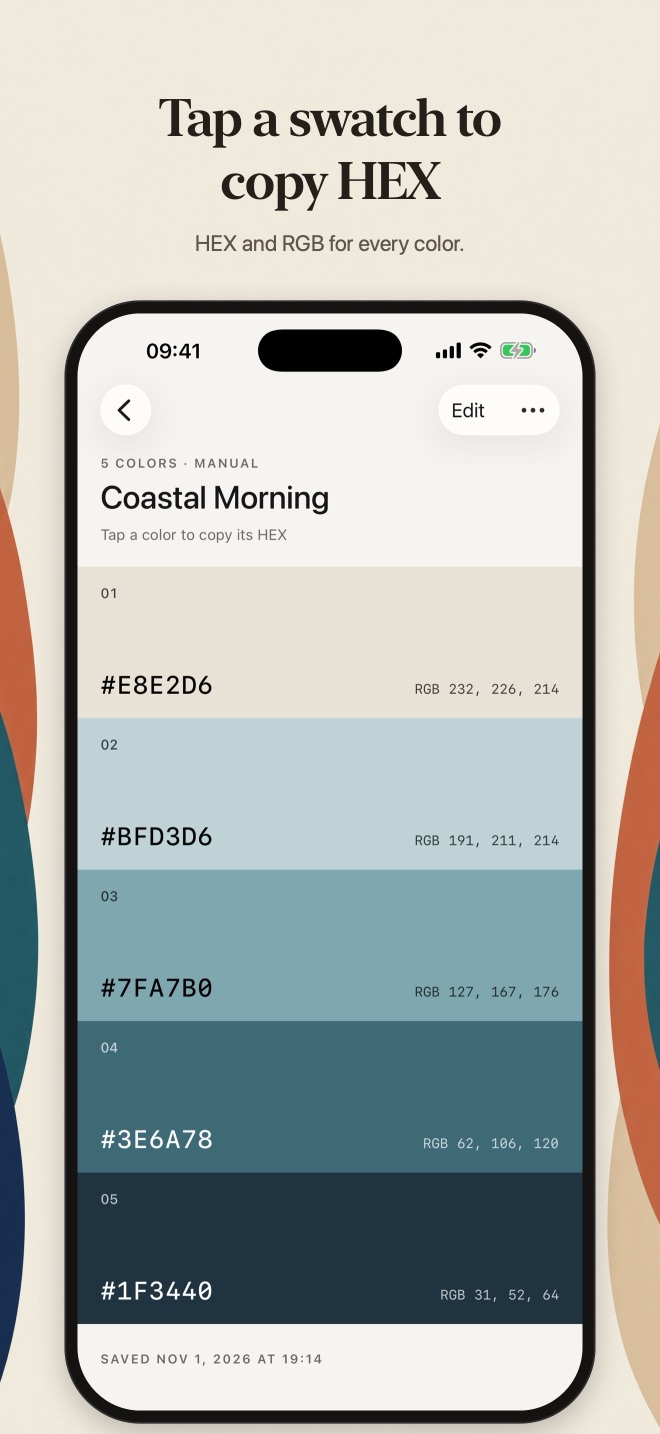
- Every swatch shows its HEX and RGB values
- Tap a swatch to copy its HEX code, or copy the whole palette as text
- Edit, rename, reorder or delete palettes at any time, including ones made from photos
#2F6F73
Private and offline
Photos are chosen with the system photo picker, so the app never sees the rest of your library. No account, no ads, no tracking.
Colors from a photo are an estimate based on how often they appear: a large background can dominate, and small details may be missed. Light and dark mode, Dynamic Type and VoiceOver support.
/screenshots
From photo to palette
Support
Help & contact
- Do I need an account?
- No. There is no sign-in and no account. Open the app and start.
- Where is my data stored?
- Only on your iPhone. Pocket Swatchbook has no servers, no cloud sync and no analytics, so nothing you enter is sent to us or anyone else.
- Can the app see all my photos?
- No. You choose a photo with the system photo picker, which only gives the app that one photo. Colors are extracted on your iPhone and only a small thumbnail is kept with the palette.
- Does it cost anything?
- No. The app is free, with no ads, subscriptions or in-app purchases.
- What happens if I delete the app?
- Deleting the app deletes its data from your iPhone. If your iPhone is backed up to iCloud or a computer, that backup may still contain the app's data, as with any app.
Need help?
Questions, bug reports or ideas: email info@saltenis.dev and include your iPhone model and iOS version if something isn't working.
We usually reply within a few working days.